(三十七)复现实验与独立恢复
# 项目文件:demos/resume_walk.py
from pathlib import Path
from tempfile import TemporaryDirectory

import torch

from readingtorch.checkpoint import load_checkpoint
from readingtorch.engine import train

source = Path(__file__).resolve().parents[1] / "training_project/data/symbols.npz"
with TemporaryDirectory() as folder:
    root = Path(folder)
    # 模型含有 Dropout;恢复时同时接回模型、Adam、随机状态与批次生成器。
    train("images", source, root / "full", epochs=6)
    train("images", source, root / "half", epochs=3)
    train("images", source, root / "resumed", epochs=6, resume=root / "half/last.pt")
    full = load_checkpoint(root / "full/last.pt")
    resumed = load_checkpoint(root / "resumed/last.pt")
    print("历史逐项相同", full["history"] == resumed["history"])
    print(
        "参数逐项相同",
        all(
            torch.equal(value, resumed["model"][name])
            for name, value in full["model"].items()
        ),
    )
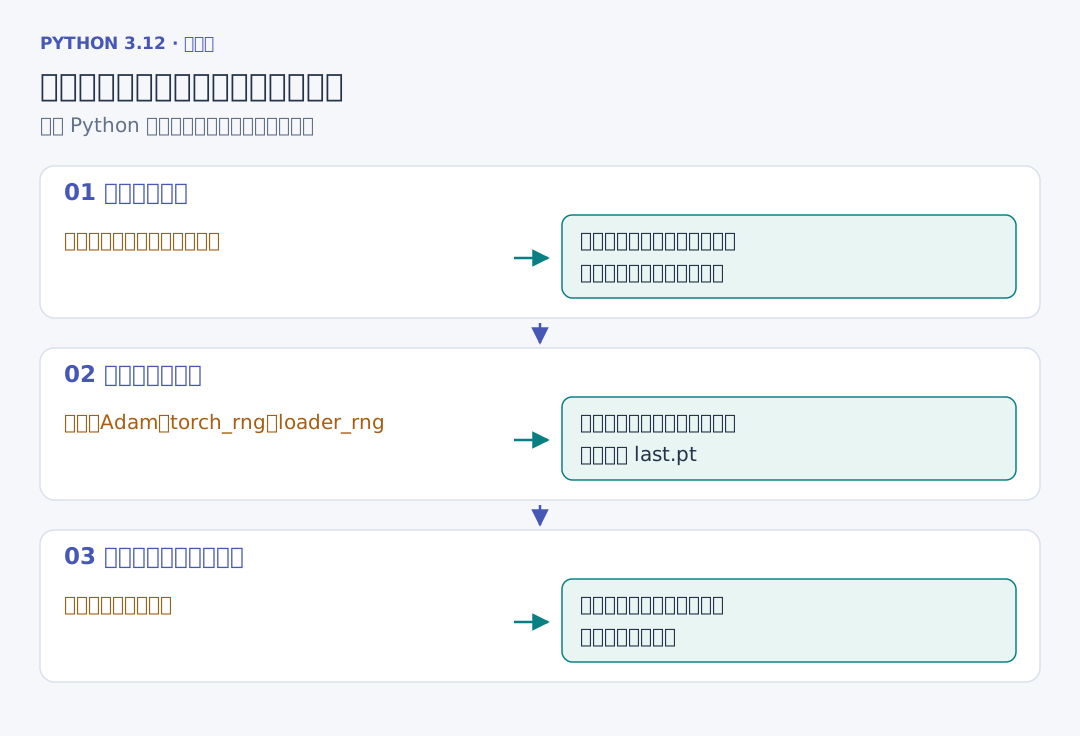
脚本用带 Dropout 的图形模型做两条路线:一条连续六轮,另一条先三轮,读取 last.pt 后继续到六轮。输出的“历史逐项相同”和“参数逐项相同”均为 True。
实际核验还把三段命令放进不同 Python 进程,重新启动后继续比较。种子固定实验起点,检查点保存中途位置,二者在复现中各有自己的作用。
# 三轮完成后停止,再从这份状态继续到第六轮。
uv run reading-train train --task images --data data/symbols.npz --output runs/first --epochs 3
uv run reading-train train --task images --data data/symbols.npz --output runs/resumed --epochs 6 --resume runs/first/last.pt
保存记录时一起写下数据摘要、划分、种子、依赖版本、设备和主要训练设置。更换设备或库后,先重新运行手算、前向和短训练对照,再查看相同实验的数值差异。随机控制与确定性计算可查 PyTorch 复现说明。