(二十六)注册到删除的一次完整操作
# 项目文件:demos/site_walkthrough.py
from lab import lab, token

with lab():
    from django.test import Client

    client = Client(enforce_csrf_checks=True)
    # 从表单取得令牌,再提交注册与登录,保留客户端的 Cookie。
    print(
        "注册",
        client.post(
            "/accounts/signup/",
            {
                "username": "reader",
                "password1": "Study-9Trees!",
                "password2": "Study-9Trees!",
                "csrfmiddlewaretoken": token(client, "/accounts/signup/"),
            },
        ).status_code,
    )
    print(
        "登录",
        client.post(
            "/accounts/login/",
            {
                "username": "reader",
                "password": "Study-9Trees!",
                "csrfmiddlewaretoken": token(client, "/accounts/login/"),
            },
        ).status_code,
    )
    created = client.post(
        "/books/new/",
        {
            "title": "Django 实践",
            "tags_text": "框架",
            "notes": "从请求追踪到记录",
            "csrfmiddlewaretoken": token(client, "/books/new/"),
        },
    )
    location = created["Location"]
    print("新增", created.status_code, "详情", client.get(location).status_code)
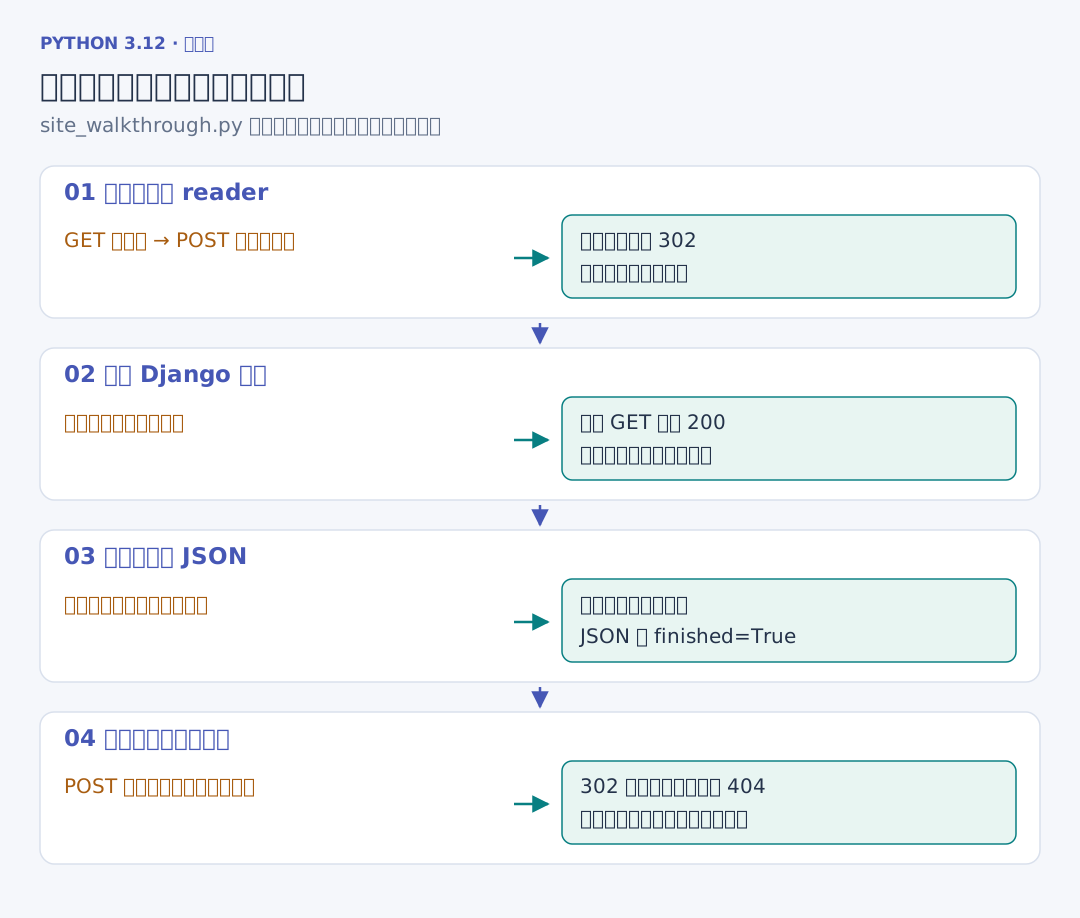
脚本先从实际页面取令牌,注册 reader,登录后保存《Django 实践》,成功跳转状态为 302,详情为 200。接下来勾选已读,修改标签和备注,再删除:
# 续写同一文件:demos/site_walkthrough.py
    # 继续使用同一登录修改记录,再通过 JSON 和旧详情地址核对结果。
    client.post(
        location + "edit/",
        {
            "title": "Django 实践",
            "finished": "on",
            "tags_text": "框架, 工程",
            "notes": "已经完成",
            "csrfmiddlewaretoken": token(client, location + "edit/"),
        },
    )
    print("修改后已读", client.get("/api/books/").json()["books"][0]["finished"])
    print(
        "删除",
        client.post(
            location + "delete/", {"csrfmiddlewaretoken": token(client, location)}
        ).status_code,
    )
    print("删除后详情", client.get(location).status_code)
uv run python ../demos/site_walkthrough.py 使用临时库执行整条流程。JSON 读到已读 True,删除之后旧详情为 404。
浏览器核验还会操作分页、错误表单、导出、其他账号的修改尝试和后台编辑。最后停止第一服务进程,第二进程打开同一实例目录,再带原会话读取书籍与备注。实际记录见 核验记录。